How do I reserve camping at Flaming Gorge?
Hipcamp staff
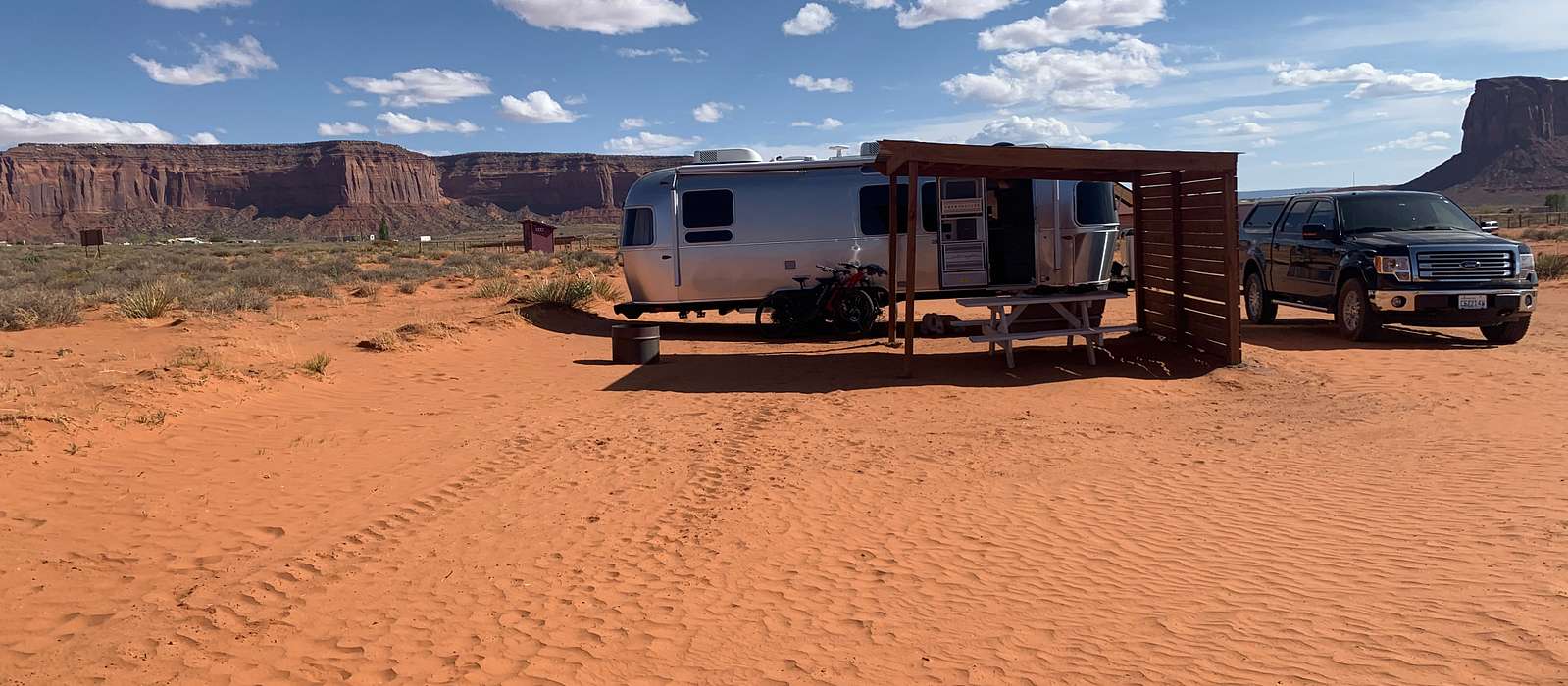
To reserve a campsite at Flaming Gorge, you can use the Recreation.gov website or call their reservation line. Here are the steps to reserve online:
- Visit the Recreation.gov website.
- Enter "Flaming Gorge" in the search bar and select "Flaming Gorge National Recreation Area" from the dropdown list.
- Click on "Camping & Lodging."
- Select a campground from the list of available options.
- Choose your desired dates and check availability.
- Follow the prompts to complete your reservation and payment.
Alternatively, you can call the Recreation.gov reservation line at 1-877-444-6777.
Keep in mind that some campgrounds at Flaming Gorge operate on a first-come, first-served basis and cannot be reserved in advance. For more information on campgrounds in the area, visit Hipcamp.
Related questions
Explore Flaming Gorge National Recreation Area
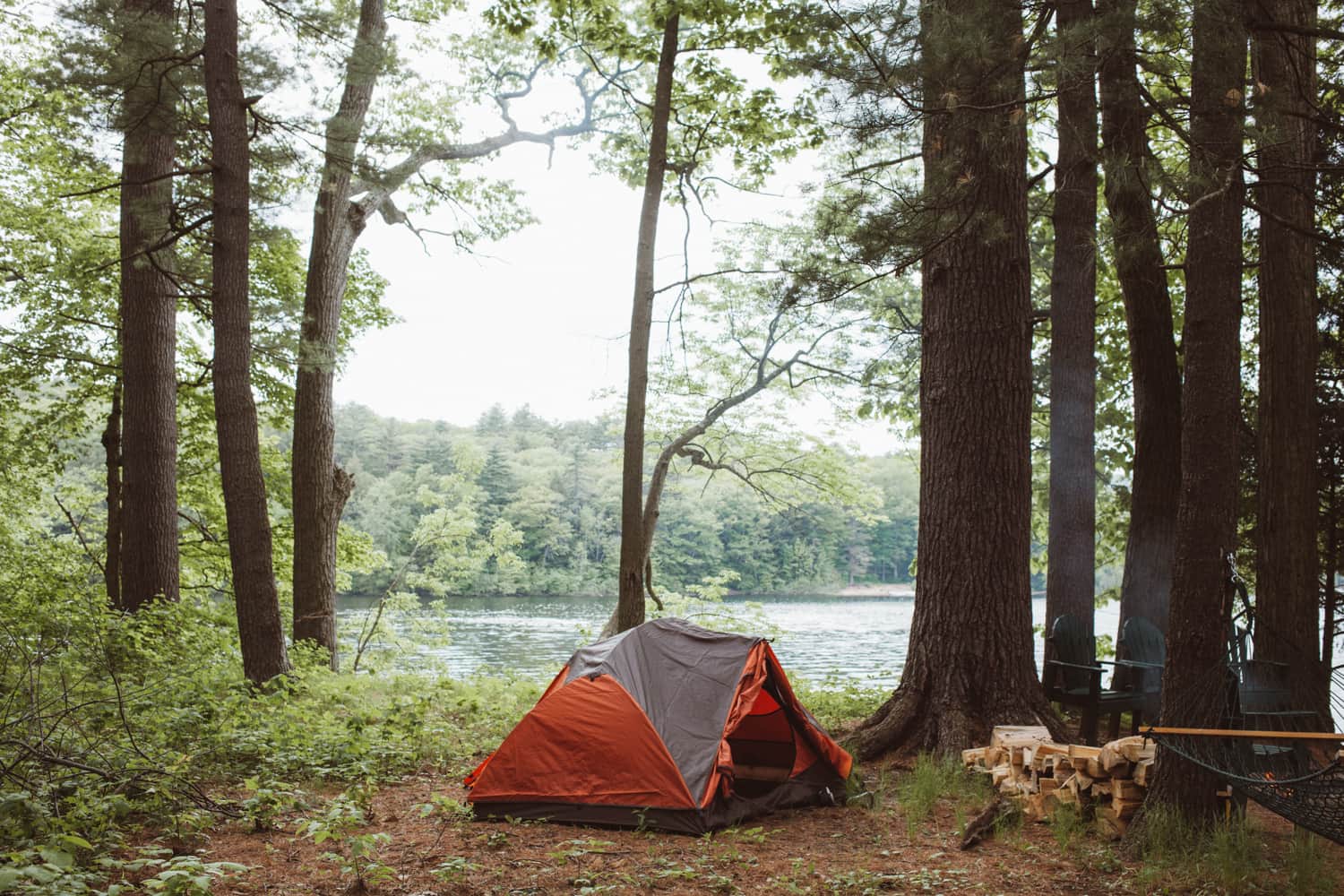
Hipcamp has the perfect site to match your camping style.
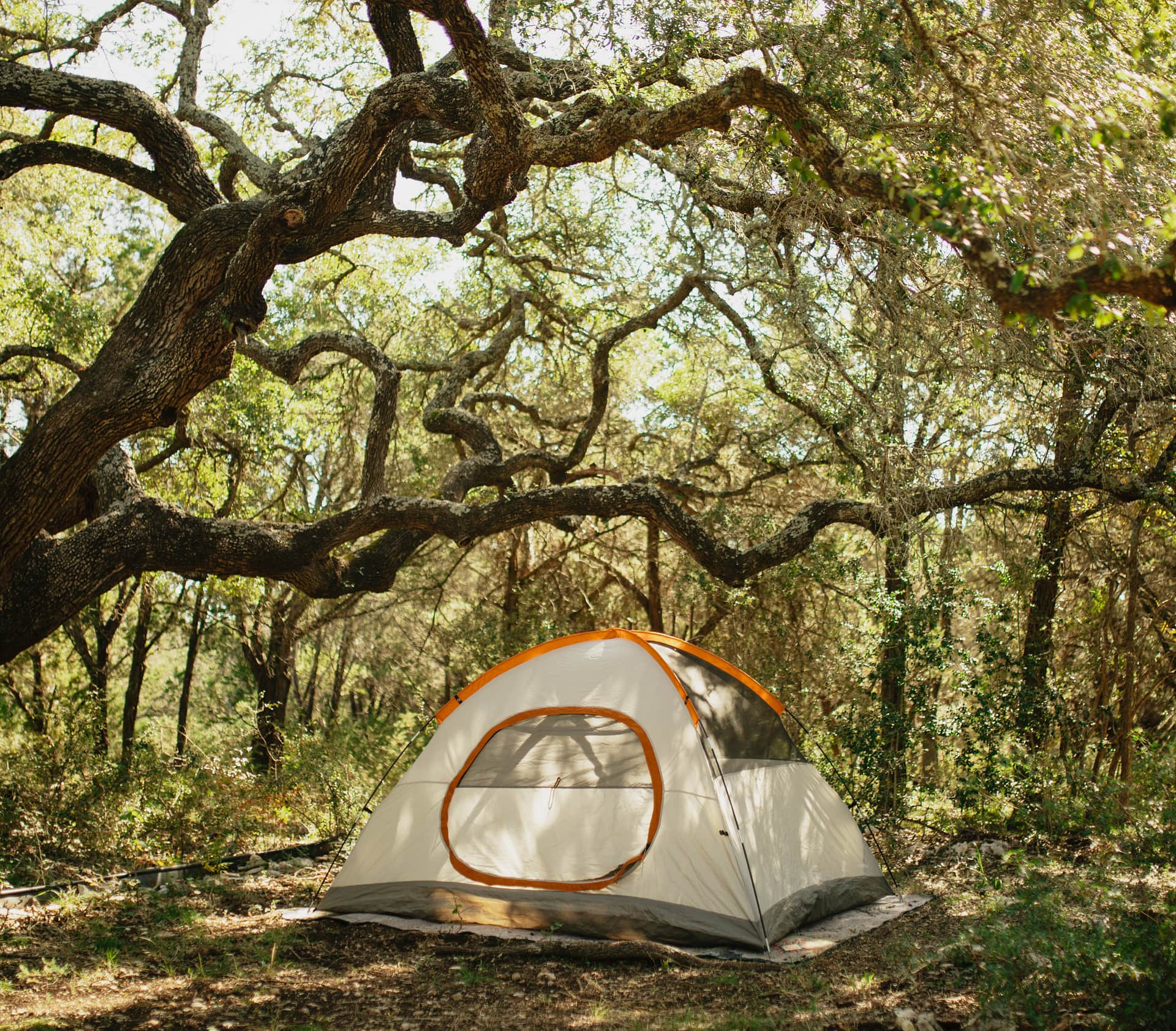
Camp your way.
No matter how you camp—in a tent, van or rig—with kids or your pup, we got you.
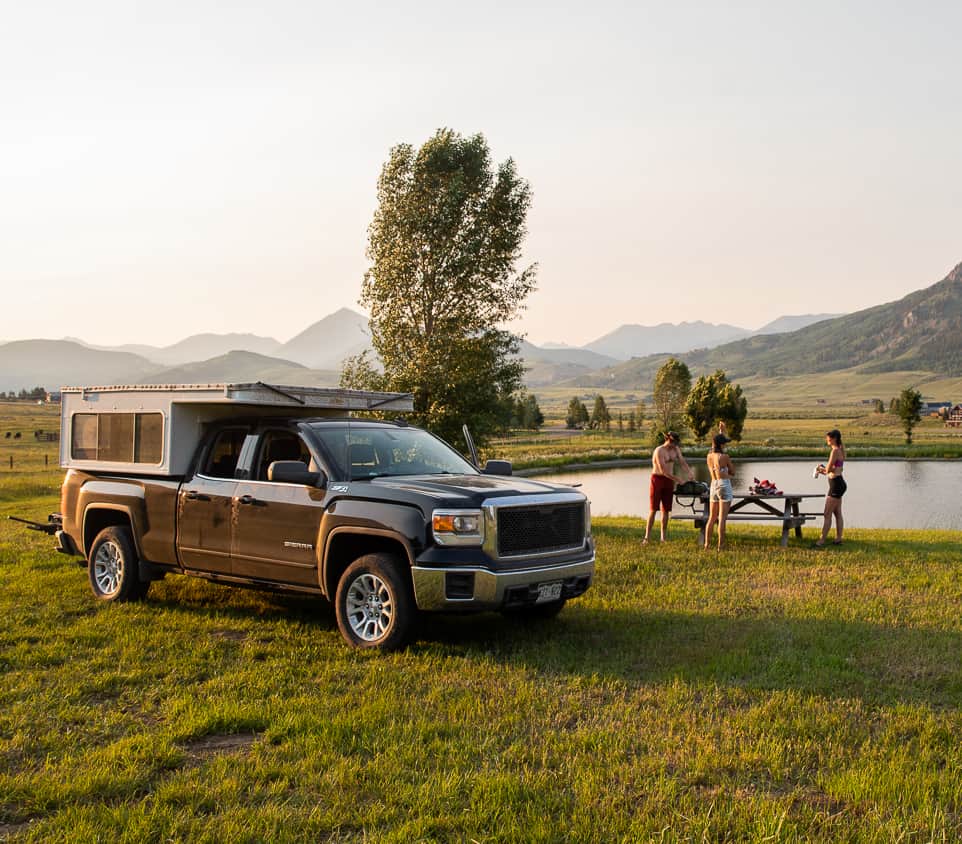
Only on Hipcamp.
Explore our collection of over 120,000 sites you won’t find anywhere else.
Find yourself outside.
Browse our comprehensive maps, read real reviews, and book direct with Hipcamp.